What information do we store?
We store personal data such as name, email address, phone number, and company information provided via the booking demo, support, contact, and price quote forms on the website.
Purpose of the collection?
The personal data is used to contact you, handle inquiries, and provide requested services or quotes. The data may also be used to send marketing communications to you; however, you can unsubscribe from these mailings at any time.
How do you access the stored information?
To access stored personal data, please contact:
Support@securdia.se
+46 8-520 276 42
How do you delete or correct information?
To request correction or deletion of your personal data, please contact:
Support@securdia.se
+46 8-520 276 42
How to restrict the use of information or withdraw your consent
To restrict the use of your data or withdraw your consent, please contact:
Support@securdia.se
+46 8-520 276 42
Period of data storage
We save your personal data as long as we have your consent and the data is needed for the purpose.
Contact information for the data controller
Data controller:
Calle Baumgarten
Support@securdia.se
+46 8-520 276 42
Responsible company receiving the personal data:
Securdia AB
Org nr. 55 92 70 2087
Ekbacksvägen 22, 168 69 Bromma
Data processor / technical responsible
This website is operated and maintained by The Generation Web Agency in Stockholm. When personal data is present, it is technically handled in a subcontractor's data centers physically located in Gothenburg. The website is patched and maintained daily according to common web standards to continuously maintain the highest possible security level.
Privacy Policy for Securdia Mobile App
Last updated: 2026-05-04 Data Controller: Securdia AB, Stockholm, Sweden Contact: support@securdia.se This policy describes which personal data Securdia Mobile App ("the app") collects, why it is processed, who it is shared with, and your rights. The policy is published at https://securdia.se/integritetspolicy/ and on the app's store page on Google Play.
1. About the app
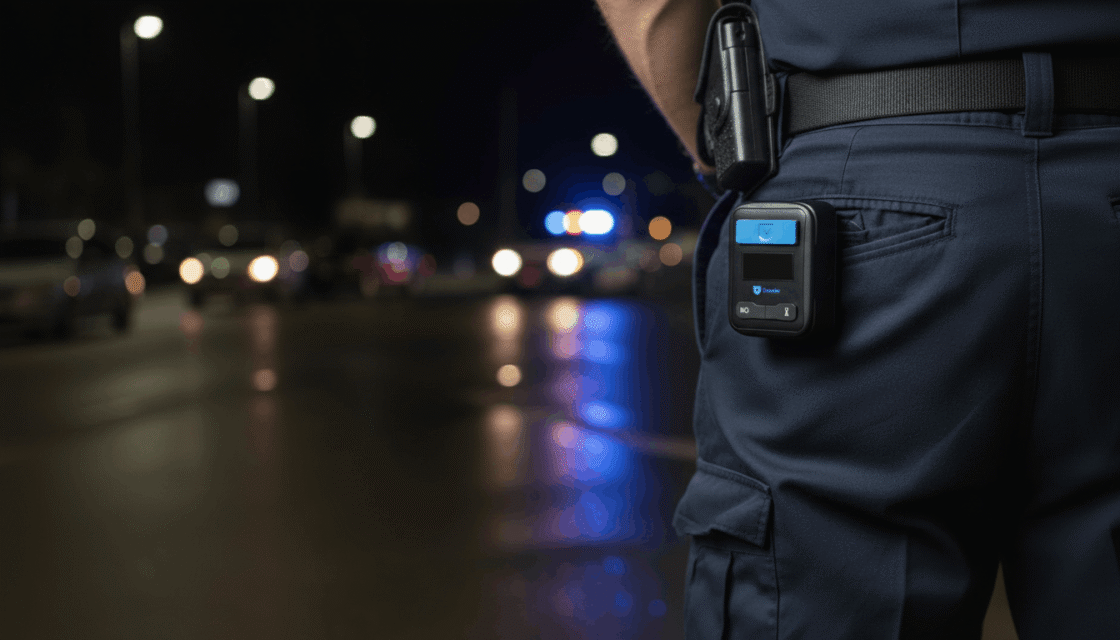
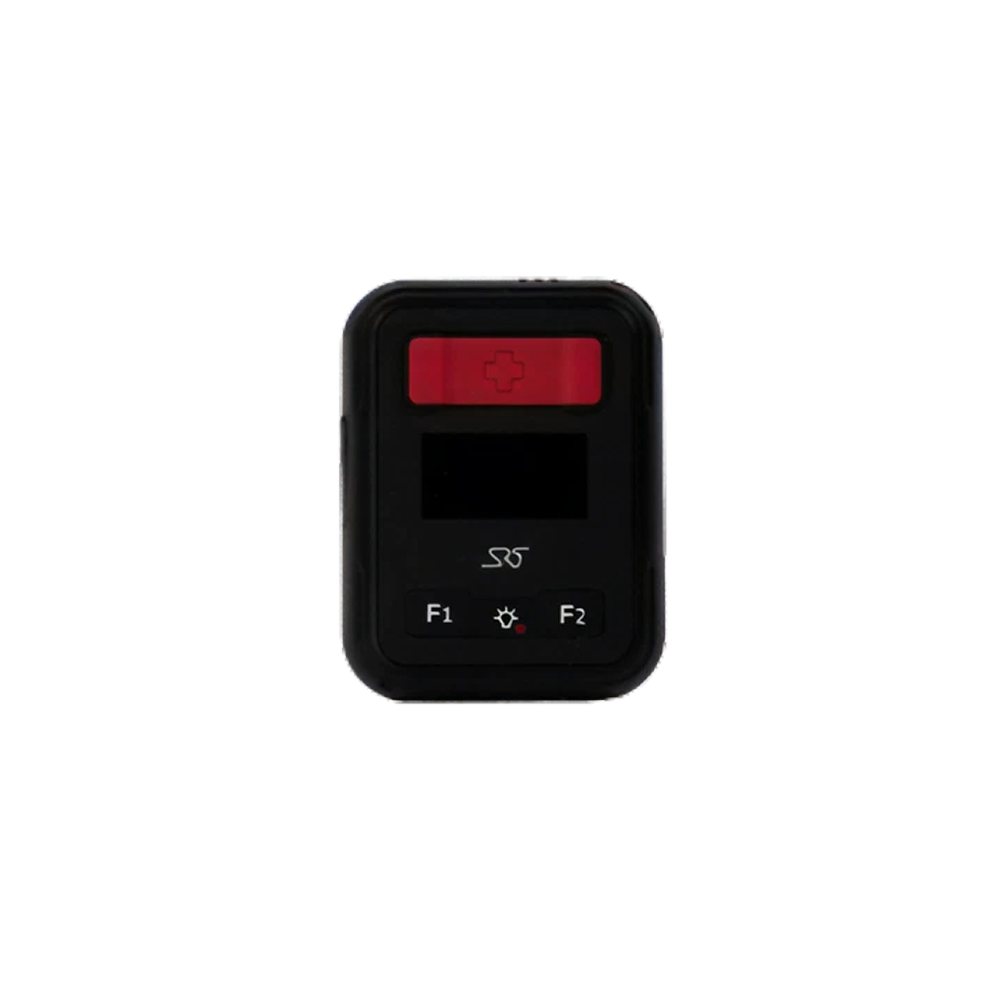
Securdia Mobile App is a personal alarm and security app aimed at professionals working alone or in exposed environments (e.g., security guards, home care staff, property managers). The app connects to a Bluetooth alarm button (Emerite-B10), forwards alarms to Securdia's alarm center, and enables two-way voice calls with an operator.
The app is not intended for children under 13 years old and the data may only be used by employees of customers who have signed agreements with Securdia AB.
2. What personal data we process
2.1 Identity and account data
- First and last name
- Mobile phone number (used as login)
- Password (stored only hashed on the server, never in the app)
- Department and job description
- Customer and unit name (from Securdia's system)
- Session token (JWT) and refresh token
2.2 Device identifiers
- Android ID (anonymous installation ID)
- IMEI number (returned by the server and stored locally for pairing)
- Bluetooth address and serial number of the paired alarm button
- FCM token for push notifications
2.3 Location data
- Exact GPS position (latitude, longitude, accuracy)
- Speed (km/h)
- Timestamp
- Position is sent:
- at every alarm,
- every 30th second while the app is open,
- at lifecycle events (start/stop).
Background location permission (ACCESS_BACKGROUND_LOCATION) is used only to send correct position for alarms triggered from the Bluetooth button or volume button press when the app is in the background.
2.4 Health and safety related information
- Alarm type (panic, man-down/fall alarm, timer alarm, check-in)
- Temporary visits you register yourself: address, contact person, gate code, free text notes, start and end time
- Battery level and charging status of the phone
2.5 Audio
- The microphone audio stream is streamed in real time to Securdia's voice infrastructure (based on Jitsi Meet) only during active alarm calls. The audio is not recorded by the app.
2.6 Camera
The app requests camera permission because the Jitsi Meet SDK requires it even in audio mode. Securdia Mobile App never activates the camera and neither records images nor video.
2.7 What we do not collect
- No advertising IDs (AAID/GAID)
- No analytics or crash reports (Firebase Analytics, Crashlytics, Sentry, etc. are not integrated)
- No contacts, calendar, SMS, or photos
- No web browsing history
3. Purpose and legal basis
| Purpose |
Legal basis (GDPR Art. 6) |
| Alarm reception, positioning, and dispatch to operator |
Contract (Art. 6.1.b) – the service your employer/customer agreement orders; and legitimate interest in personal safety (Art. 6.1.f) |
| Two-way voice call during alarm |
Contract (Art. 6.1.b) |
| Authentication and access control |
Contract (Art. 6.1.b) |
| Troubleshooting via local logs |
Legitimate interest (Art. 6.1.f) |
| Push notifications about alarm status |
Contract (Art. 6.1.b) |
Processing of location data and any health indications (e.g., fall alarms) occurs solely to protect life or health – an explicit exception according to GDPR Art. 9.2.c.
4. Recipients of the data
We never sell or rent personal data. The data is shared only with:
- Securdia's alarm center operators – to handle and terminate alarms.
- Securdia’s service providers (data processors) within the EU/EEA – server and voice infrastructure. Data processor agreements according to GDPR Art. 28 are in place.
- Google LLC – only for delivery of push notifications via Firebase Cloud Messaging. The FCM token is an anonymous installation ID.
- Authorized authorities – if required by law (e.g., police investigation).
No data is transferred to countries outside the EU/EEA without a transfer mechanism according to GDPR Chapter V in place.
5. Storage and security
On your device
Settings, profile, authentication tokens, and feature flags are stored in Android's DataStore in the app’s private storage. The storage is access-protected by Android’s sandbox model and, if you have device encryption enabled, by file system encryption.
GPS positions are not cached locally – each position is fetched as needed.
On the server
Alarm events, GPS tracks, and profile copies are stored on Securdia’s servers within the EU/EEA.
All traffic between app and server goes over HTTPS/TLS 1.2+ and respective secure WebSocket (WSS).
Passwords are stored only hashed (bcrypt or equivalent) on the server.
| Data |
Storage period |
| Alarm events and associated GPS data |
For the contract term + statutory archival period (usually 12 months, longer if incident investigation requires it) |
| User profile |
Until the account is deleted |
| Local data on the device |
Until you log out, delete the account, or uninstall the app |
| Logs for troubleshooting |
Rotating, max 90 days |
| Voice calls |
Not recorded – real-time only |
6. Your rights (GDPR)
As a data subject, you have the right to:
- Request access to your information (data subject access).
- Correct inaccurate data.
- Delete your data ("right to be forgotten").
- Restrict processing.
- Receive your data transferred to another provider (data portability).
- Object to processing based on legitimate interest.
- File a complaint with the Swedish Authority for Privacy Protection (IMY) at imy.se.
To exercise your rights: contact your employer’s data protection officer, or write directly to support@securdia.se.
7. Delete your account
You can request account deletion by:
- Contacting your employer/customer responsible, or
- Sending an email to support@securdia.se from the email address registered with your account. Include the phone number you used during registration
When the account is deleted, profile, tokens, and linked alarm button are removed from Securdia’s system. Alarm events with related GPS data may need to be saved for the statutory archival period applicable to security services (usually up to 12 months) before final deletion or anonymization.
You can clear local data on the device at any time by logging out or uninstalling the app.
8. Permissions and why they are needed
| Permission |
Use |
| BLUETOOTH_SCAN, BLUETOOTH_CONNECT |
Find and connect to the alarm button |
| ACCESS_FINE_LOCATION, ACCESS_COARSE_LOCATION |
GPS position at alarm |
| ACCESS_BACKGROUND_LOCATION |
Send position when phone is locked or app is in the background during alarm |
| RECORD_AUDIO, MODIFY_AUDIO_SETTINGS |
Voice call with operator during alarm |
| MANAGE_OWN_CALLS |
VoIP call registration so that the alarm call is handled as a regular call by the operating system |
| CAMERA |
Requirement from Jitsi SDK; the camera is never used |
| POST_NOTIFICATIONS |
Show alarm and status notifications |
| USE_FULL_SCREEN_INTENT |
Show alarm screen over lock screen |
| WAKE_LOCK, FOREGROUND_SERVICE* |
Ensure that the alarm service is not stopped by the system |
| USE_EXACT_ALARM, SCHEDULE_EXACT_ALARM |
Countdown for timer alarms |
9. Children
Securdia Mobile App is aimed at working professionals and provided under agreements with employers. We do not knowingly collect data from children under 13 years old.
10. Changes to the policy
We may update this policy. Material changes will be notified in the app at next login and on https://securdia.se/integritetspolicy/. The "Last updated" date at the top of the document indicates when the latest version took effect.
11. Contact
Securdia AB Stockholm, Email: support@securdia.se Website: https://securdia.com

 Alarm ManagementPerimeter protectionWorkplace Safety
 Alarm ManagementPerimeter protectionWorkplace Safety